



Nomaspin Login and Registration
Registered members reach their profile through the Nomaspin login form, which asks for an email address and a password. Visitors without a profile can open one in about a minute, and the platform accepts registrations from adults who have reached the age of majority. One account then covers the whole site. Players open games, move money, and adjust security settings inside the same interface.



Creating a Nomaspin Account
An account changes what a visitor can do on the site. Demo mode opens the catalog to everyone, and real-money play starts after registration. Promotions and tournaments follow the same rule.
Each player keeps one profile here. The same Nomaspin login data works on a phone and on a desktop computer, so a second account brings no benefit and also violates the platform’s rules. Noma Spin stores the details you enter together with the history of your activity, and both stay inside your profile.
Create Your Account
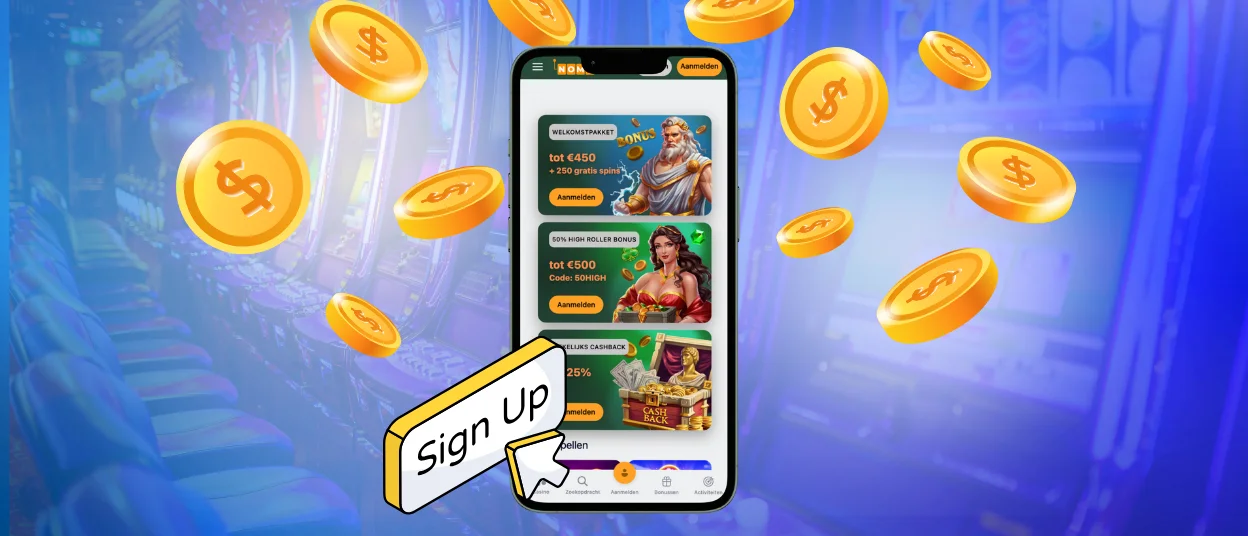
You can find the registration button in the top-right corner of the homepage. Four steps are required to complete the form:
- Click the registration button to open the sign-up window.
- Enter a working email address and set a password you do not use on other sites.
- Tick the boxes that confirm your age and your agreement with the platform rules.
- Review what you entered and finish with the confirmation button.
A second stage collects your full name and your date of birth. The form also asks for a phone number, and users fill this part in whenever it suits them. Enter the date of birth exactly as it appears on your documents, because support has to step in to correct it afterward. Verification compares the same details against your ID.
A promo code field appears for members who already hold a code. The standard welcome offer needs no code at all, and it reaches the balance once the first deposit clears. One email address belongs to one profile. If the platform rejects your address, it already carries an account, and the password recovery link restores access to it.
Using a Nomaspin Account
The account icon in the header opens the profile, and each tab handles one part of the account. The Profile tab holds personal details and loyalty progress. Notification settings sit in the same place, and members who prefer to play without promotions switch bonuses off there. The Wallet tab shows the balance and keeps real money apart from bonus funds. Deposits and withdrawal requests start from that screen, and players choose their currency there as well.
The History tab records what happened on the account. It stores transactions and bonus claims alongside placed bets, so a player can check an old result without writing to support. The Invite Friends tab covers the Noma Spin referral program. It issues a personal link and counts the people who joined through it. A quick menu behind the same icon adds two shortcuts: Notifications opens the inbox with recent messages, and the Help Center leads to the FAQ page.
Access to a profile pauses in several situations. The table below explains what triggers each pause and how to restore the session.
| Trigger | Effect on the session | What to do next |
| Several failed Nomaspin login attempts | The form locks for a short period or adds a CAPTCHA step | Wait a few minutes before trying again, or reset the password |
| Sign-in from an unfamiliar country | The session pauses and goes to a security review | Confirm your identity, or switch off a VPN if one is running |
| A long stretch without activity | The system ends the current session on its own | Sign in again with the same credentials |
| Two devices signed in at the same time | The older session closes | Keep one device active while you play |
| A password change | Every open session closes at once | Sign in again with the new password |
Verification at Nomaspin Casino
Noma Spin runs verification before the first withdrawal, and the platform completes the procedure once per account.
Three documents are required to complete it:
- Identity: A passport or a national ID card. A driver’s license works as well.
- Address: A utility bill or a bank statement issued within the last three months.
- Payment method: A photo of the bank card or a screenshot of the e-wallet you deposited from.
Sharp, well-lit photographs shorten the review. The support team explains the requirements before you upload anything, which prevents rejections over avoidable mistakes. Later payouts through the same payment method skip this step entirely.
Account Security
Several protections apply to every profile by default. TLS 1.3 encryption secures the connection between your browser and the servers. Fraud monitoring flags irregular sign-in attempts and unusual betting patterns without any input from the player.
Two-factor authentication adds one more layer, and account holders enable it in the security settings. Each Nomaspin login then requires a code from an authentication app such as Google Authenticator. The feature behaves the same way on mobile devices and on desktop computers. The login history lists recent access attempts with the date and the device beside them. Members who spot a session they do not recognize close it from that screen and change the password straight afterward.
Forgot Your Password?
The “Forgot Password?” link sits under the Nomaspin login form. It sends recovery instructions to the registered email address, and the new password applies to the account immediately. Every open session closes at the same moment, which pushes out anyone else who was signed in.
FAQ
How do I change my personal details after registration?
The Profile tab accepts edits to your contact information and payment details at any time. Two fields work under a stricter rule: the full name and the date of birth stay locked once verification confirms them. Members who need a correction there write to live chat, and support applies the change by hand after a document check.
Do I need a separate profile to play on a phone?
The same email address and password work on every device, and the balance stays identical across them. A session you start on a laptop continues on a phone after a standard Nomaspin login, and the history keeps both in one record.
How do I pause or close my account?
Send the request to the support team through live chat or email. Agents review it by hand and ask a short set of questions about the reason. They then walk you through each step, and you can ask for extra details at any point in the conversation.


