


Nomaspin Mobile Access
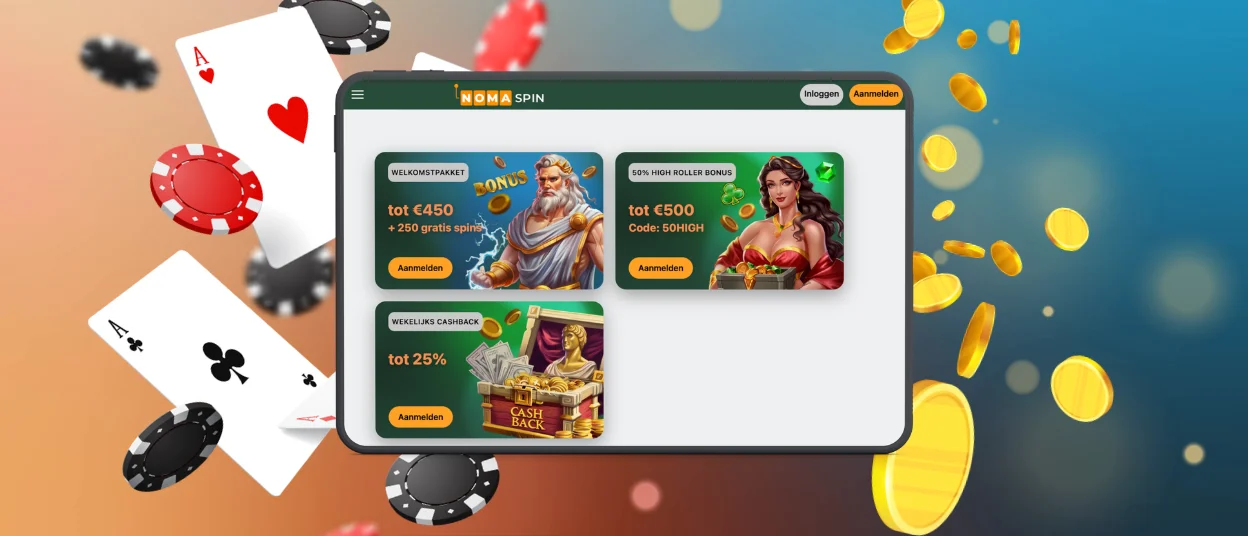
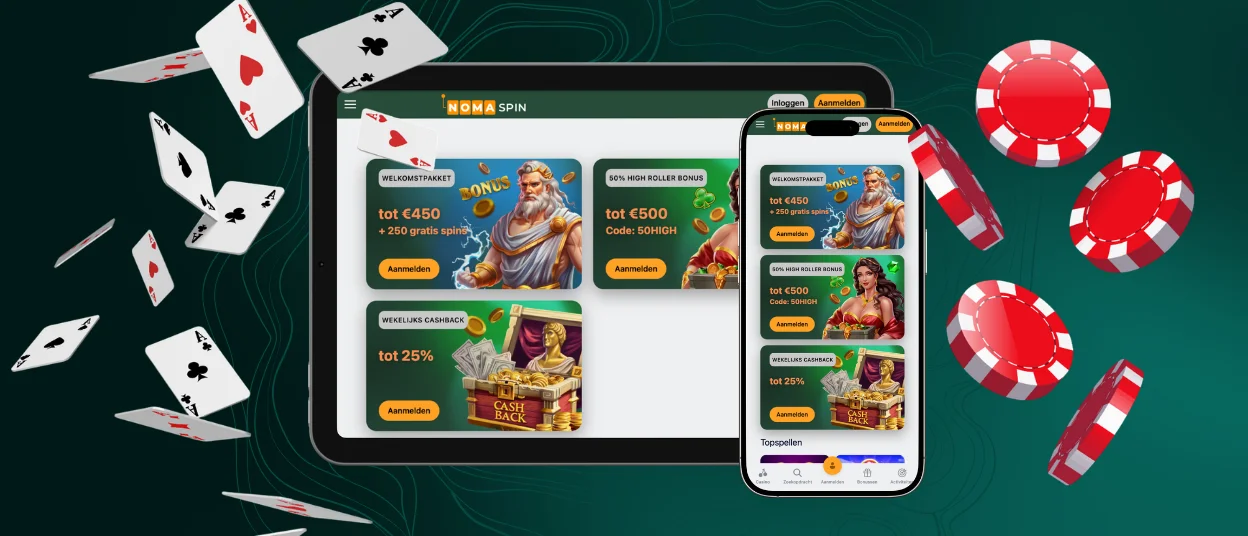
Nomaspin app gives phone and tablet owners the same feature set with new mechanics that the desktop platform offers. The casino supports Android and iOS, and it runs on most models released over the past few years. The interface rescales games and menu elements to match the screen in your hand. Touch controls replace the mouse, which keeps navigation practical on smaller displays.



Using Noma Spin on Mobile
Two routes lead into the casino from a phone. The first one opens the site in a mobile browser. The second one uses a home-screen shortcut that behaves like an installed app. Both routes reach the same platform and the same catalog of more than 6,000 titles. Players spin slots through either entry point, and live dealer rooms stay available as well. Neither version withholds a feature from the other, so the decision comes down to personal habit.
An account is needed before real-money play begins. New members complete registration inside the mobile interface, and the form repeats the steps used on the desktop site.
| Aspect | How it works on mobile | What it changes for the player |
| Entry point | The Nomaspin site opens straight in Chrome, Safari or any current mobile browser | No app store account and no download queue before the first session |
| Loading speed | Pages and game files arrive within seconds on 4G connections | Short waits between rounds and quick moves across game categories |
| Screen layout | Buttons, filters and game panels resize for thumb navigation | Fewer misplaced taps during play on a narrow screen |
| Payments | Deposits and withdrawal requests run inside the same interface | The full list of payment options works without a switch to a computer |
| Account sync | Balance, bonus progress and history update across every logged-in device | A session started on a tablet continues on a laptop from the same point |
| Storage and updates | The shortcut keeps a small cache and refreshes itself on launch | Free space on the device stays untouched by manual update files |
Nomaspin App for Android
Android owners can set up the app without opening Google Play. Noma Spin runs as a progressive web application, so the shortcut loads content from the site while the phone keeps only a light cache. The version refreshes on its own each time the icon opens.
Setup takes four steps in a mobile browser such as Chrome:
- Open the Nomaspin Casino website and wait for the home page to load.
- Tap the browser menu, marked by three dots in the top-right corner.
- Select “Add to Home Screen” from the list of options.
- Confirm with “Add,” and the PWA appears among your other applications.
From that point the icon opens the casino directly, and every function matches the browser version.
Nomaspin releases no APK of its own, which makes any such file the work of an outside party. Installing one exposes login details and payment data to people outside the platform, so the safer route is the shortcut described above.
Nomaspin App for iOS
iPhone and iPad owners have the same level of access as Android and desktop users. Safari opens the platform directly, and other iOS browsers display it correctly too. The home-screen shortcut relies on Safari because that browser carries the option:
- Open the Nomaspin website in Safari.
- Tap the Share icon.
- Scroll down and choose “Add to Home Screen.”
- Confirm this action to place the icon on your device.
Security on iOS follows the standard applied across the platform. TLS encryption covers every connection between the device and the servers, which shields personal and financial data from outside access. Users can also switch on two-factor authentication in the profile settings for a second layer of protection. That recommendation holds for every device in use.
The iOS layout stays close to the desktop version. Game categories sit in the same order, and live chat opens from the same corner of the screen.
Verification on Mobile
A withdrawal request sent from a phone triggers the same checks as one sent from a computer. Players need to upload a document that confirms identity and age. A second file confirms ownership of the payment method behind the transaction. Photos taken with the phone camera serve both purposes as long as the whole document stays inside the frame and the text remains readable.
The support team answers questions over live chat while the review runs. One completed check covers the Noma Spin account across all devices, so the documents need no second upload after a move to a tablet or laptop.
Desktop Nomaspin App for Windows and macOS
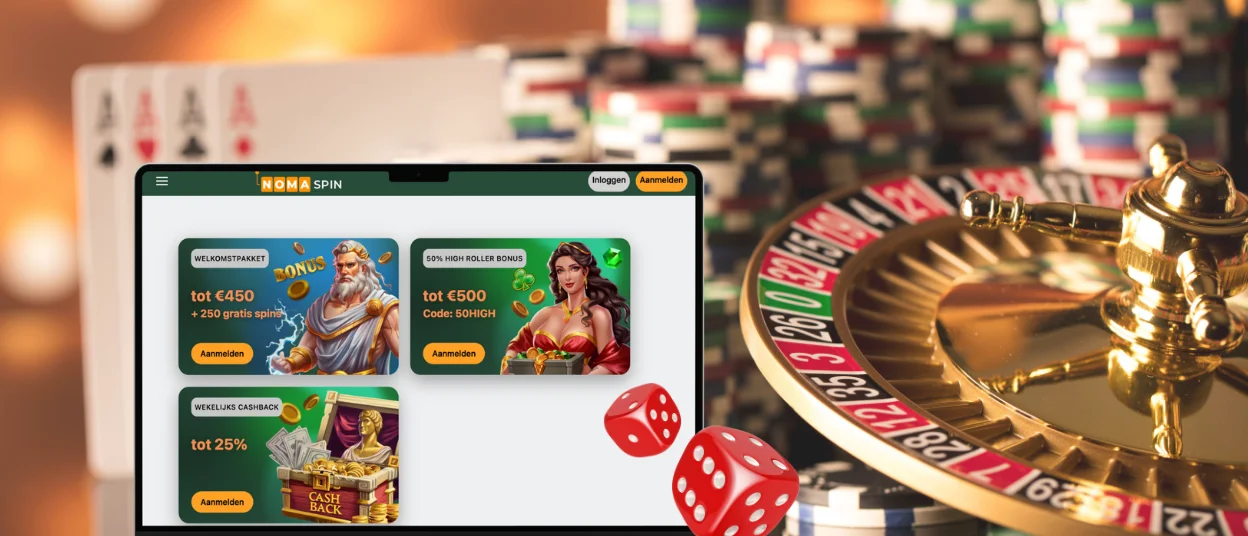
A larger screen calls for no separate program either. Windows and macOS run the casino through any current browser, and the layout adapts to the resolution of the monitor. The whole game library loads without an installer.
Chrome and Edge place an install icon in the address bar. One click turns the site into a standalone window with no tabs or toolbars around the games. Members who prefer the familiar browser view can keep working in a regular tab.
One rule applies to every device. An account permits a single active session at a time, so a login on a phone closes the session open on a computer. Parallel use across two devices counts as a breach of the platform terms.
FAQ
Do I need an account to open the Nomaspin app?
Part of the catalog runs in demo mode without registration, which lets visitors test slots with virtual credits. Real-money rounds and payment operations require an account. Registration takes a few minutes and starts with entering an email address and creating a strong password.
Does the app consume much mobile data?
Movement between pages draws very little traffic. Game rounds use more, because graphics and animations load with each title. Wi-Fi suits long sessions on a limited data plan, while 4G handles short visits without strain.
Are device permissions required for the Nomaspin app to work?
The Nomaspin shortcut requests no access to contacts or files stored on the phone. It runs through the browser and inherits the settings already in place there. Push notifications are the one exception, and they stay inactive until a member turns them on.
Does deleting the icon close my Nomaspin account?
Removing the shortcut clears the icon from the home screen and nothing more. The account stays on the server together with the balance and the full session history. A login through any browser restores complete access at once.


